
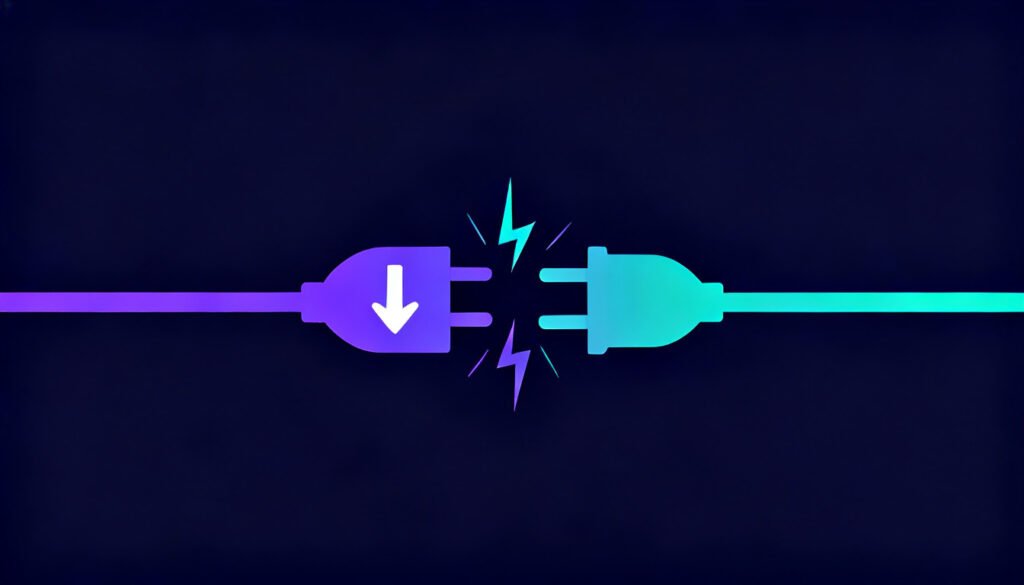
Torrenting without a kill switch is riskier than most people realize.
A kill switch is the VPN feature that kills your internet outright the moment the tunnel drops. For torrenting, skipping it isn’t some minor inconvenience. It’s the single most common way a VPN’s privacy protection fails quietly, without you ever noticing.
Quick Answer
| Kill Switch Type | What Happens If Your VPN Drops Mid-Torrent |
|---|---|
| No kill switch | Your torrent client keeps transferring on your real IP the moment the VPN disconnects |
| App-level kill switch | Blocks only the torrent app; other apps and background traffic can still leak |
| System-level (network) kill switch | Cuts all internet traffic until the VPN reconnects, so nothing can leak |
| Manually watching the connection | Relies on you noticing the drop in time, which for large downloads can be minutes |
What happens when a VPN disconnects mid-torrent
VPN connections aren’t rock solid. Servers restart for maintenance, wifi hiccups, your ISP drops out for a second, and any of that can knock the tunnel out for a few seconds at a time. Without a kill switch, your device (and your torrent client with it) just falls back to your normal connection and keeps going. The client has no idea the VPN dropped. It keeps uploading and downloading like nothing happened, except now your real IP address is sitting there in plain view of every peer in the swarm.
Why this is worse for torrenting than regular browsing
If your VPN drops while you’re just browsing, you probably won’t even notice, you’re back on your ISP’s connection for a page load or two, no big deal. Torrenting doesn’t work that way. BitTorrent broadcasts your IP to potentially dozens or hundreds of other peers, that’s baked into how the protocol functions. So a momentary drop mid-torrent can hand your real IP to every one of those peers at once, and once it’s out there, there’s no taking it back.
How a kill switch fixes this
A proper kill switch is watching the connection the whole time. The moment it sees the tunnel drop, it blocks all traffic, at the OS level or the app level, until the VPN comes back. Your torrent client just stalls instead of quietly switching over to your real connection. Fail-closed, not fail-open.
Not all kill switches are equal
Not every kill switch works the same way. Some VPN apps only block specific applications (“app-level”), others cut all network traffic entirely (“system-level”). For torrenting, go with system-level. It doesn’t depend on the VPN correctly guessing every process your torrent client might spawn.
How much can leak in the seconds before you notice
A kill switch failure isn’t really all-or-nothing, it’s more of a timing problem. Torrent clients reconnect to peers every few seconds, and each reconnect broadcasts your IP to the whole swarm, not just the tracker. So if your VPN drops and the kill switch is even a little slow to react, a 10-15 second gap is plenty of time for your real IP to land on dozens of peers. Some of those peers are logging IPs on purpose, feeding lists that copyright enforcement firms use later. And the bigger the swarm, the faster this happens; a popular torrent can have hundreds of peers refreshing connections at any given moment.
Reconnection speed matters here just as much as the kill switch does. A provider that takes 30 seconds to reconnect leaves a much bigger window open than one that’s back in 2-3 seconds, even if both have the exact same kill switch feature on paper. So when you’re comparing providers for torrenting, don’t just tick the “has a kill switch” box. Check whether it’s system-level by default, whether you have to turn it on yourself, and what the provider’s own docs say about reconnection time after a drop.
What to check before you start torrenting
- Make sure it’s turned on, plenty of apps ship with the kill switch off by default
- Test it yourself: connect the VPN, start a transfer, then kill your wifi or yank the ethernet cable for a moment and see whether the torrent client stalls instead of continuing to transfer
- Check whether the provider’s kill switch is system-level or app-level
Bottom line
A kill switch isn’t optional if you’re torrenting. It’s what makes everything else the VPN promises hold up once your network hiccups in the real world. Every provider on our Best VPN for Torrenting list has one. Just make sure it’s switched on before you start seeding anything.