
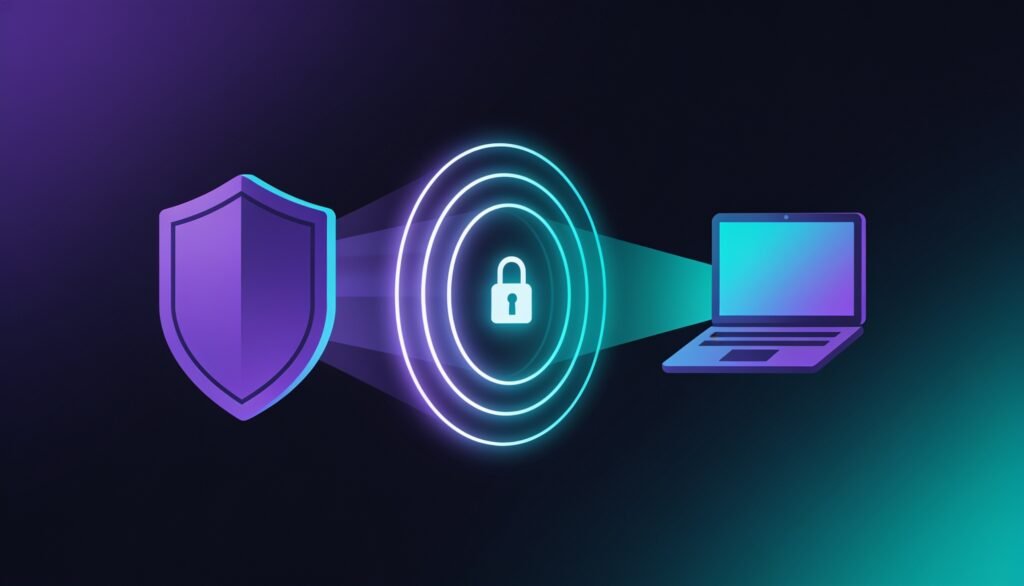
“VPN” gets thrown around a lot, usually next to words like “encryption” and “tunnel” that don’t really explain anything on their own. So here’s what a VPN is doing to your connection, minus the jargon.
What a VPN does to your connection
Normally your device talks straight to your internet provider (ISP), and the ISP routes your traffic to whatever site or app you’re using. That means your ISP can see which sites you visit, and those sites can see roughly where you are through your IP address.
A VPN sits in the middle of that. Instead of your device talking to the open internet directly, it connects to a VPN server first, and that server passes your traffic along from there. Your ISP now only sees that you’re connected to a VPN — not what you’re doing on it. And the websites you visit see the VPN server’s location and IP address, not yours.
The tunnel and encryption, explained simply
The connection between your device and the VPN server gets wrapped in encryption — that’s the “tunnel” people mean. Forget the literal tunnel image, though. Think of it more like a locked envelope: if someone intercepts the traffic between you and the VPN server, all they see is scrambled data, not what you’re doing.
This is the piece that protects you on public wifi — coffee shops, airports, hotel networks — where anyone else on that network could otherwise snoop on unencrypted traffic.
Why your IP address changes
Every device on the internet has an IP address, and that address gives away your rough location and ties back to your ISP account. Connect to a VPN and websites see the VPN server’s IP address instead of yours. That’s the whole trick behind making it look like you’re browsing from a different city or country — and it’s exactly the mechanism that gives you access to region-specific content.
What a VPN does NOT do
- It doesn’t make you anonymous. The VPN provider itself can usually still see your real IP address and traffic, which is why a provider’s no-logs policy matters.
- It won’t stop cookies, account logins, or browser fingerprinting from tracking you once you’re signed into a service.
- It doesn’t protect against malware, phishing, or a weak password — that’s a different job entirely, handled by antivirus software and just being careful.
Do you need to understand any of this to use one?
Not really. Every mainstream VPN app comes down to one button: connect. All the technical stuff above happens automatically in the background. Knowing how it works just helps you set realistic expectations for what it will and won’t change about your privacy.
FAQ
Does a VPN slow down my internet?
Usually a little, since your traffic is taking a longer route through the VPN server. With a decent provider and a nearby server, the slowdown is often small enough that you won’t notice it for regular browsing — though it can matter more for gaming or big downloads.
Can I use a VPN on my phone?
Yes. Pretty much every VPN provider has iOS and Android apps that work the same way as the desktop version — one tap to connect.
Is a VPN the same as antivirus software?
No. A VPN protects your connection and location; antivirus protects your device from malware. Different problems, and a lot of people use both together.