
ExpressVPN vs. CyberGhost pits two very different approaches against each other: ExpressVPN‘s premium, do-everything reliability against CyberGhost‘s budget-friendly, purpose-built server network. Both come from the same corporate family, both carry independently audited no-logs policies, and both are good options — but they’re built for different priorities and different budgets. One charges a premium for the fastest, most consistent connection available, backed by a track record of reliably getting past streaming detection; the other undercuts it significantly on price while leaning on 11,000+ servers, use-case-optimized connections, and one of the longest refund windows in the industry. Neither is the “wrong” choice — the right one depends on whether you’re optimizing for raw performance or value per dollar. Here’s how they compare, category by category, using the same facts we cover in our full ExpressVPN and CyberGhost reviews.
Quick verdict: if you want the fastest, most consistent connection everywhere and don’t mind paying for it, ExpressVPN wins. If budget matters and you want servers built for exactly what you’re doing, CyberGhost is the better deal.
Table of Contents
- Head-to-Head Specification Sheet
- Round 1: Pricing and Value
- Round 2: Streaming and Speed Performance
- Round 3: Security, Privacy, and Trust
- Round 4: Device Limits and Everyday Usability
- Round 5: Server Network and Global Reach
- Setting Up and Everyday Use
- Same Parent Company, Different Philosophy
- ExpressVPN vs. CyberGhost: The Final Verdict
- Frequently Asked Questions
- Sources
Head-to-Head Specification Sheet
| Feature Category | ExpressVPN | CyberGhost |
|---|---|---|
| Starting Price | ~$2.99/month | ~$2.19/month |
| Simultaneous Connections | Up to 14 (tiered by plan) | 7 |
| Refund Window | 30-day money-back guarantee | 45-day (14-day on the monthly plan) |
| Server Network | Global network built for speed consistency | 11,000+ servers in 100 countries |
| Core Protocol | Lightway (proprietary) | WireGuard + optimized servers |
| No-Logs Audit | Independently audited (PwC, Cure53) | Independently audited (Deloitte) |
| Kill Switch | Yes (Network Lock) | Yes |
| Split Tunneling | Yes, full app support | Yes, Windows and Android only |
| Named Streaming Support | Netflix, BBC iPlayer, Hulu, DAZN | Dedicated servers per platform (e.g. Netflix US) |
| Parent Company | Kape Technologies | Kape Technologies |
Round 1: Pricing and Value
ExpressVPN’s Premium Positioning
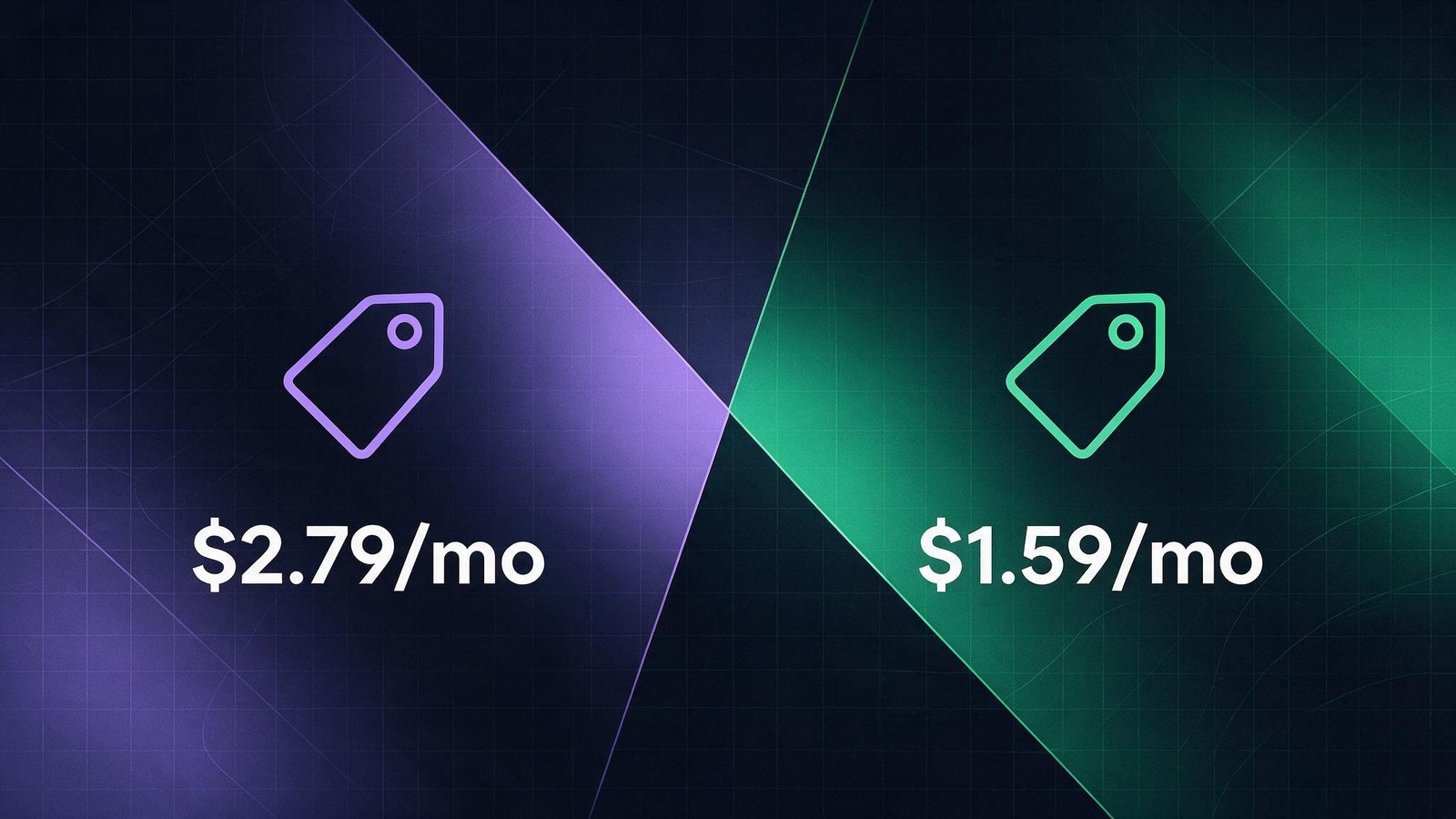
ExpressVPN starts at around $2.99/month on its longest plan, climbing to $12.99/month if you pay monthly with no commitment. Every tier includes a 30-day money-back guarantee. There’s no getting around it — this is one of the pricier VPNs on the market, and you only get real value out of it by committing to a longer subscription. Competitors like CyberGhost undercut it substantially on price, and the connection cap (10, 12, or 14 devices depending on tier) isn’t unlimited like some rivals offer.
CyberGhost’s Budget-Friendly Tiers
CyberGhost runs $2.19/month on its 26-month plan, $6.99/month on the 6-month plan, or $12.99/month billed monthly, with 7 simultaneous connections included on every tier. Longer plans come with a 45-day money-back guarantee — three times longer than ExpressVPN’s window, and one of the more generous refund periods in the industry. For anyone still deciding whether a VPN is worth it long-term, that’s a meaningfully lower-risk way to try one out.
Round 2: Streaming and Speed Performance
ExpressVPN’s Lightway Consistency
ExpressVPN’s proprietary Lightway protocol, paired with TrustedServer technology (RAM-only servers), is built for one thing: staying fast and reliable everywhere, without you having to think about server selection. It posts a Very Low speed drop on local connections and a Low speed drop on distant ones, and it’s consistently one of the more reliable options for getting past detection on major streaming platforms like Netflix, BBC iPlayer, Hulu, and DAZN — a category where a lot of VPNs get blocked outright. For devices that can’t run a native VPN app, like some smart TVs or older game consoles, its MediaStreamer feature configures DNS settings to route traffic through its network without full encryption.
CyberGhost’s Purpose-Built Servers
Instead of a plain country list, CyberGhost’s app lets you pick a use case — streaming, torrenting, or gaming — and recommends a server tuned for it, right down to dedicated servers labeled for specific platforms like Netflix US. That’s an useful shortcut if you don’t want to research which server works for a given service. Speed drops run Low to Moderate on local connections and Moderate on distant ones — noticeably behind ExpressVPN, but generally fine for HD streaming and downloading.
Round 3: Security, Privacy, and Trust
ExpressVPN’s Audited No-Logs Policy
ExpressVPN’s no-logs claims and TrustedServer RAM-only infrastructure have both been independently audited by PwC and Cure53 — third-party verification that goes well beyond a privacy-policy promise. Its kill switch, called Network Lock, blocks all internet traffic if the VPN connection drops unexpectedly, so your real IP address is never exposed even for a moment, and full split tunneling lets you choose exactly which apps route through the VPN.
CyberGhost’s Independently Audited Policy Too
CyberGhost isn’t just claiming a no-logs policy either — it’s been independently audited by Deloitte, putting it on similar footing to ExpressVPN on the trust front despite the price gap. Security fundamentals cover AES-256 encryption, WireGuard support, and a working kill switch. Split tunneling is available too, though for now it’s limited to the Windows and Android apps rather than the full lineup.
Round 4: Device Limits and Everyday Usability
ExpressVPN: Fewer Devices, Simpler Setup
ExpressVPN caps out at 10, 12, or 14 simultaneous connections depending on your plan tier — not unlimited, but generous enough for most households. What you get in exchange is onboarding that’s about as simple as it gets: download the app for Windows, macOS, iOS, Android, Linux, or a supported router, enter your activation code, and connect with a single tap. It defaults to the fastest available server automatically, though power users chasing granular protocol tweaking may find fewer knobs to turn than with some competitors.
CyberGhost: More Guesswork Removed
CyberGhost’s 7-connection limit is more restrictive than ExpressVPN’s, but its optimized-server system removes a different kind of friction — you don’t need to research which server works for which platform, the app just recommends one. That combination of simplicity and low price is exactly why CyberGhost tends to appeal most to VPN beginners who want something intuitive out of the box.
Round 5: Server Network and Global Reach
ExpressVPN’s Focus on Consistency Over Raw Count
ExpressVPN doesn’t compete on sheer server count the way some budget providers do — its network is built around maintaining consistent speed and reliability everywhere it operates, which is part of why it holds up so well for users in more restrictive regions who need a dependable connection.
CyberGhost’s Sheer Scale
CyberGhost’s network is massive: 11,000+ servers spread across 100 countries, among the largest networks HidVPN has covered. That scale is part of what makes its use-case server picker work so well — there’s almost always a dedicated option nearby. One caveat: CyberGhost itself doesn’t recommend relying on it for consistent access in heavily restricted regions like China, so anyone with that specific need should look elsewhere.
Setting Up and Everyday Use
ExpressVPN’s Cross-Platform Reach
ExpressVPN covers Windows, macOS, iOS, Android, Linux, and a range of supported routers, so household coverage rarely becomes an issue even with the lower device cap. Setup is deliberately minimal: install, log in with your activation code, and the app auto-connects to the fastest available server. If you’d rather pick manually, you can browse by country or search for a specific location. Support runs through 24/7 live chat, which is a meaningful advantage if something goes wrong outside business hours.
CyberGhost’s Guided Experience
CyberGhost’s apps cover the same major platforms, and its interface leans hard into removing decisions for you — rather than a plain server list, you’re nudged toward a purpose-built option the moment you say what you’re trying to do. That guided approach is a big part of why CyberGhost tends to score well with people who’ve never configured a VPN before, even though it comes at the cost of fewer manual tweaks for people who want them.
Same Parent Company, Different Philosophy
Worth knowing before you decide: ExpressVPN and CyberGhost are both owned by Kape Technologies, one of the largest VPN holding companies (Kape also owns Private Internet Access). CyberGhost was Kape’s first major VPN acquisition back in 2017; ExpressVPN followed in 2021 for roughly $936 million. Shared ownership doesn’t mean shared infrastructure — each keeps its own apps, servers, and independent audit history, and the price and feature gap between them is real — but it’s relevant context if you assumed you were choosing between two fully unrelated companies.
ExpressVPN vs. CyberGhost: The Final Verdict
Both are solid, independently audited VPNs — the real difference is what you’re optimizing for. ExpressVPN is the pay-more-for-less-hassle option built around raw consistency, and it earns that premium through verified performance rather than marketing claims alone. CyberGhost is the budget pick that still hands you purpose-built tools, a huge server network, and the same audited trust guarantees, just without the premium price tag. For most casual streamers and VPN beginners, CyberGhost’s value is hard to argue with; for anyone who treats connection speed and reliability as non-negotiable, ExpressVPN still justifies the gap.
Choose ExpressVPN if:
- You want the most consistently fast connection everywhere, with the lowest measured speed drop
- You regularly watch a lot of video and want the widest choice of nearby servers
- You’re in a restrictive region and need a dependable connection, or you simply want the simplest possible setup
Choose CyberGhost if:
- Budget is a real factor and you’re willing to commit to a longer plan
- You’d rather pick a server already built for your exact use case than hunt for one yourself
- You want a longer window to test the service risk-free (45 days vs. 30)
Frequently Asked Questions
Is ExpressVPN worth the higher price over CyberGhost?
If consistent speed, reliability, and the simplest possible setup matter most to you, yes — that’s exactly what the extra cost buys. If you’re budget-conscious and don’t need top-tier performance in every scenario, CyberGhost delivers most of the same trust guarantees for a fraction of the price.
Are both VPNs’ no-logs claims verified?
Yes. ExpressVPN has been audited by both PwC and Cure53; CyberGhost has been independently audited by Deloitte. Neither is relying on an unverified privacy-policy promise.
Which one is better for torrenting?
CyberGhost’s P2P-optimized servers make it easy to find a torrenting-friendly connection without guesswork, and its per-platform server labeling extends to torrenting too. ExpressVPN supports P2P as well, though it doesn’t dedicate servers specifically to the task the way CyberGhost does.
Can I use either one in China?
ExpressVPN is built to hold up better in restrictive regions. CyberGhost explicitly doesn’t recommend itself for consistent access in heavily restricted regions like China — if that’s your primary need, neither is the ideal first choice, and it’s worth checking a China-focused comparison instead.
Do I need technical knowledge to use either VPN?
No. Both are built for a general audience — ExpressVPN leans toward a single-tap, auto-configured experience, while CyberGhost guides you toward the right server by asking what you’re trying to do rather than expecting you to know already.
Is there a meaningful difference in encryption strength?
Not really. Both use industry-standard AES-256 encryption alongside modern protocols (Lightway for ExpressVPN, WireGuard for CyberGhost), and both back it with a working kill switch. The practical differences show up more in speed consistency and price than in raw encryption strength.
What happens if I don’t like either one after buying?
Both offer a real money-back guarantee rather than a limited free trial. ExpressVPN gives you 30 days to request a full refund; CyberGhost gives you 45 days on its longer plans (14 days if you went monthly). In both cases, you can use the full service before deciding, not just a stripped-down trial version.